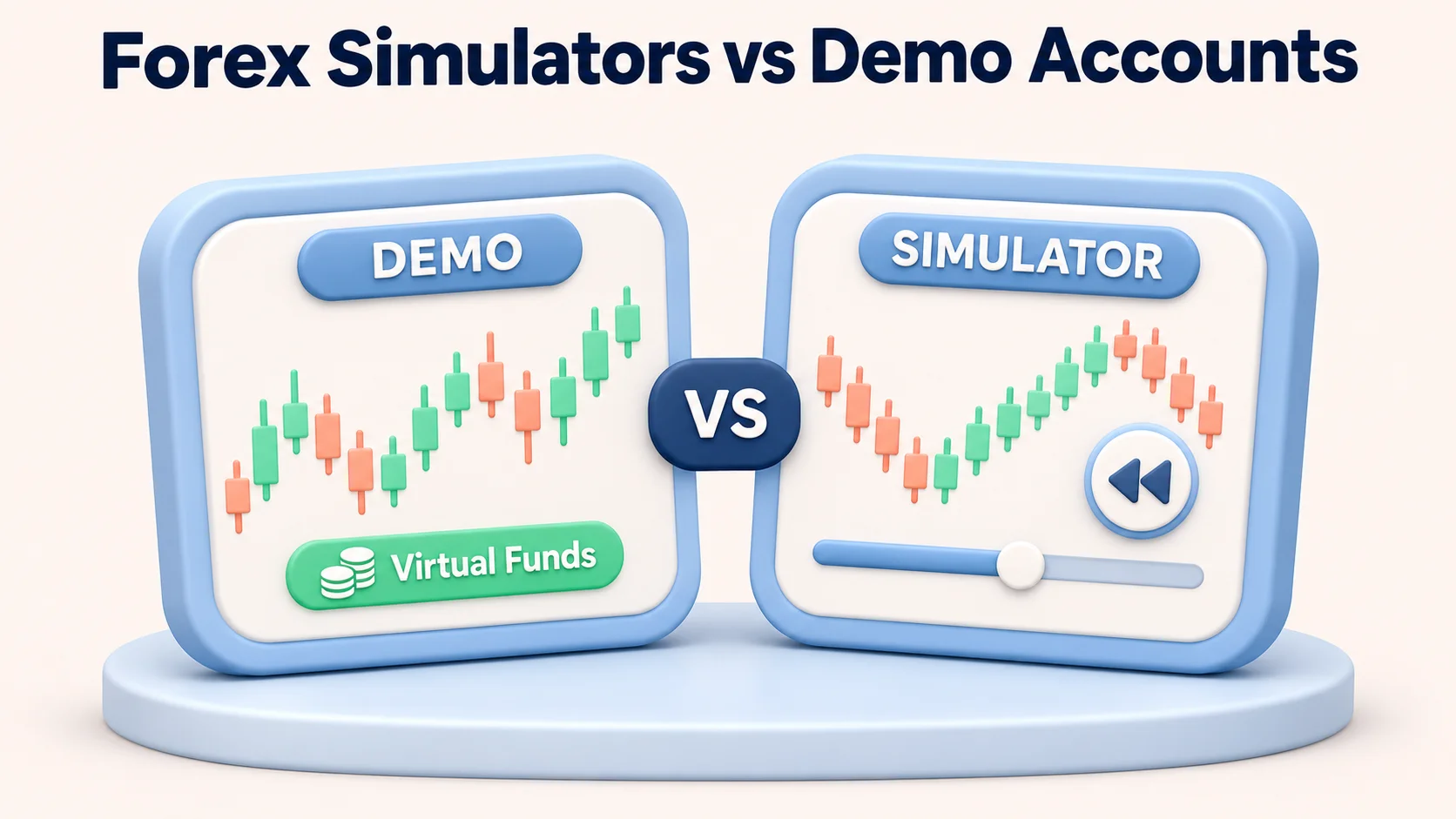
A forex trading simulator is useful only when its practice mode matches the skill you need to build. A broker demo is better for learning a live order ticket and reacting to current market conditions. A historical replay tool is better for repeating past setups, practising decisions at increased speed and reviewing recorded mistakes. Neither can establish that a strategy will earn money in a live account.
For a US-focused starting point, FOREX.com’s US demo provides broker-platform practice using virtual funds. For replay, Soft4FX suits Windows traders working in MetaTrader, TradesViz combines replay with a trade journal, and FX Blue’s browser simulator offers a free shorter-period alternative. TradingView Replay Trading makes sense for traders who primarily study charts there.
Comparison scope: These are independent assessments of the providers’ documented features and limitations, not a claimed series of hands-on sign-ups, downloaded-installation tests or measured live-versus-demo fills. Trial, instrument, data and regional access must be confirmed in the account you actually use. Prices below are published US-dollar examples checked in November 2026 and may change.
Forex trading simulators compared at a glance
| Option | Practice mode and platform | Published cost or access | Key limitation |
|---|---|---|---|
| FOREX.com US demo | Current-market demo; FOREX.com web/mobile platforms and supported MetaTrader demo route; forex instruments | Free practice account, no trading capital deposited for virtual trades; FOREX.com platform demo typically 90 days | Not a rewindable session simulator; execution and financing differ from live trading. MT4 demo expiry is separately stated as 30 days unless open trades remain. |
| Soft4FX Forex Simulator | Manual historical replay inside desktop MT4/MT5 on Windows; forex and other listed instruments depend on downloaded data | Free restricted demo; $109 one-time lifetime licence, plus applicable taxes | Free version limits trades and data; licensing, local installation and data preparation add work |
| TradesViz Forex Simulator | Browser-based historical forex replay, including multi-pair charts and integrated journaling | Simulator on Platinum, advertised at $22.49/month when billed annually; free trial offered | Free Basic and lower-priced Pro should not be mistaken for full simulator access |
| FX Blue browser simulator | Browser-based manual historical replay, up to 10 markets at once | Free with FX Blue account | Up to 28 days per session; generated intraminute ticks and fixed configured spread are not exact historical execution |
| FX Blue MT4/MT5 simulator | Manual historical replay inside MetaTrader Strategy Tester, with market and pending orders | Free download after registration; compatible desktop terminal and history required | More technical setup, dependent on available broker history and tester settings |
| TradingView Replay Trading | Chart-based historical replay with simulated order entry; supported forex symbols | Availability and intraday history depth depend on plan and symbol | Replay trading is separate from Paper Trading, and session trade results are not saved beyond that session in TradingView’s documentation |
The strongest distinction is not a provider score but the type of exercise: current-price rehearsal versus a historical decision you can repeat. Check the particular forex pair and trading platform before paying for software.
Live demo trading versus historical market replay
Live-price demos teach the actual platform workflow
In a broker demo, prices move with the current market and you place simulated orders using the provider’s tools. That helps you learn order size, stop and limit placement, margin figures, time zones and how an unfamiliar interface behaves during a scheduled release. You cannot choose a past non-farm payrolls announcement and repeat it five times simply by leaving a demo open.
A broker demo also has practical account rules. FOREX.com’s US practice page describes a $50,000 virtual balance and an advertised 90-day period for its own platforms. It separately lists a shorter MT4 demo period; neither is a promise that the account can be renewed. Its US practice-account guidance explains that live margin and execution conditions may differ from demo settings. Check which named platform and US account entity the registration form actually provides.
Historical replay compresses time but models trading conditions
Replay starts on a chosen date, then steps or accelerates through past prices. It allows repeated entries, exits and rule checks on the same session. That is more efficient for practising an identifiable setup, but the result is sensitive to the data series, chart interval and fill model. A tool displaying historical candles is not proof that an order would have filled at its displayed price.
Replay products vary widely. Soft4FX offers a MetaTrader workflow built around downloadable tick histories. FX Blue’s browser tool deliberately generates the price path inside each historical minute, with a fixed spread selected by the user. TradesViz advertises forex replay and journal integration, but its displayed bar precision and executed order logic still need to be assessed for the intended trading horizon. A day-trading exercise and a scalping model demand different data quality.
Backtesting software is another category
Do not conflate discretionary replay with algorithmic testing. The MetaTrader 5 Strategy Tester tests Expert Advisors using selectable historical modelling modes. It is not automatically a click-by-click manual practice tool; FX Blue adds a separate manual-trading interface to the tester. Traders evaluating automated strategies should also read our algorithmic forex trading and backtesting guide.
Which simulator makes sense for different traders?
FOREX.com US demo: practise a broker’s current-market order ticket
Good fit: A US reader who wants to learn FOREX.com’s platforms with virtual capital before deciding whether a live account is appropriate. Its simulated-trading description lists mobile and MetaTrader routes and says that demo orders use its market-rate feed. The sign-up route requests personal and contact information; using virtual funds does not eliminate registration requirements.
Main drawback: The demo does not recreate all costs and pressures of a live account. FOREX.com explicitly says rollover or financing charges are not simulated in its demo environments, and demo margin settings may diverge from live settings during volatility. A profitable sequence of demo orders is therefore not a live net-return record. This is a broker demo, not a standalone replay product.
Soft4FX: repeat discretionary setups within MetaTrader
Good fit: A Windows-based MT4 or MT5 user who wants to rewind a historical session, trade with stop-loss and take-profit orders, change replay speed and inspect equity or drawdown. Soft4FX’s feature description lists multi-currency practice for MT5 and historical downloads from named data providers. The publisher documents both MetaTrader versions; multi-currency support is specifically described as an MT5 feature.
Main drawback: The free trial allows only five trades per simulation, two sample years and no save/load. The advertised $109 licence covers one user and two MetaTrader accounts, with tax dependent on location. It requires Windows rather than a native Mac installation. Paid data coverage does not establish fill realism for every symbol or time.
TradesViz: combine replay with post-trade analysis
Good fit: A trader who values the connection between a simulated decision and a structured journal. TradesViz documents forex majors, crosses and exotics, up to four synchronized charts, bracket orders, adjustable replay speed and automatically saved simulated trades. That makes it more useful for reviewing process and repeated mistakes than a simple price-animation screen.
Main drawback: The pricing schedule places the full simulator in Platinum at $22.49 per month billed annually, not in the free Basic plan or the $14.99 Pro plan. A free trial is available, but its exact entitlement and renewal terms should be checked before entering payment details. The supported data interval and the way fills are simulated matter more than the number of analysis charts if you trade very short timeframes.
FX Blue browser simulator: free historical practice with explicit modelling limits
Good fit: Someone who wants browser replay without installing a MetaTrader plugin or buying a simulator. The provider’s product description offers up to ten markets and sessions lasting from an hour to 28 days, with adjustable virtual balance, leverage and spread. The practice account is free but requires an FX Blue login.
Main drawback: Its own technical note says the highs and lows of each minute come from historical data while the intermediate tick sequence is generated. The spread is fixed at a chosen level, so it does not capture news-time widening or live requotes. It is well suited to structured practice over selected periods, not reliable tick-by-tick reconstruction of a scalping fill.
FX Blue MT4/MT5 simulator: a no-cost route for desktop MetaTrader users
Good fit: A trader who already has MetaTrader installed and prefers to place manual orders inside the Strategy Tester visualization. FX Blue documents market and pending orders, stop management and free registered downloads for both MT4 and MT5.
Main drawback: The quality of practice depends on terminal installation, available history, symbol settings and the selected tester mode. A free licence does not remove the need to validate spread, commission, simulated price paths and data gaps. The desktop add-on and FX Blue’s browser simulator are different products, not two names for an identical workflow.
TradingView Replay Trading: chart-first practice with a recordkeeping caveat
Good fit: A chart-focused trader already working with TradingView indicators and supported forex symbols. TradingView documents Replay Trading, which lets the user configure virtual capital and commission and enter simulated trades against historical replay. This differs from its current-market Paper Trading connection.
Main drawback: TradingView says replay-session trades and overall results are not saved after the session. Its available intraday replay history also varies by plan, symbol and timeframe. Ordinary Paper Trading orders can remain tied to real-time prices while a chart displays replay, so use the distinct Replay Trading mode for historical exercises.
Costs, data quality and platform compatibility matter more than headline features
Cost: A free broker demo can be sufficient for learning order entry. For paid replay, check trial limits and whether a quoted monthly rate requires an annual commitment. A one-time licence may cost less over time but introduces installation, account activation and data-management duties. Always distinguish a provider’s subscription price from trading spreads and commissions, which are separate assumptions within a simulation.
Instrument coverage: 'Forex supported' is not enough. Verify the specific pair, quote currency, chart interval, historical start and end dates, data-source licence and whether exotic spreads are modelled. The support list for one platform or jurisdiction does not establish that a US live broker offers the same instrument. Gold, cryptocurrency and indices are not currency pairs merely because a simulator displays them alongside forex.
Execution model: Ask whether the tool uses genuine historical bid and ask quotes, generated intrabar ticks or candles; whether it handles variable spreads, slippage, partial fills, commissions and overnight financing; and whether market orders can be rejected. A declared 'tick' stream can still be synthetic. A fixed two-pip spread may make a very short-term strategy look better than it would around a news release.
Device and workflow: Soft4FX requires Windows and MetaTrader; TradesViz and FX Blue browser replay avoid a local plugin but require account access; FX Blue’s desktop add-on uses MetaTrader; TradingView history depends on plan and instrument. Check keyboard access, screen size, saved-session recovery, data export and deletion rules before adopting a recurring practice workflow.
A practical comparison exercise to run before paying
Use one repeatable procedure across the products that actually support the same symbol and exercise. This is a suggested test, not a report of tests performed for this article:
- Set a comparable scenario: choose EUR/USD on a 15-minute chart, an identifiable historical London or New York session, the same hypothetical account size and position-sizing rules. Keep the exact date and time zone in your log.
- Inspect the data: note the source, earliest accessible bar, whether the tool models bid and ask or only last/mid prices, and whether the replay can jump backward without revealing later candles.
- Place the same orders: attempt one market entry, one pending order, a stop-loss modification and a partial close. Record which controls are unsupported rather than assuming they exist.
- Stress the costs: repeat with a larger spread, commission and adverse slippage assumption where the controls permit them. Write down which costs, including financing, the simulator cannot apply.
- Review the result: save screenshots, compare the trade journal, verify a return visit restores the session, and check whether risk and P&L use the correct currency and lot contract.
- Check the operational fit: note account expiry, device, accessibility, available markets, fees, customer-data requirements and whether the tool still works after the free trial ends.
For an additional forward-looking comparison, trade a current-market demo with the same entry and exit rules without assuming that identical fills are available on a live account. Review position exposure with FXRanking’s forex risk-management guide. Treat repeatability, process quality and error correction as the practice outcomes, not a hypothetical percentage return.
Why a realistic-looking simulator cannot prove a profitable forex strategy
A historical run may benefit from hindsight, selected dates, data cleaning and assumptions about execution. A broker demo adds current-market timing but still lacks the full liquidity, queue priority, rejected orders and emotional effect of real losses. High leverage can enlarge losses, and a stop order does not guarantee an exact exit price in every market. Separate replay sessions from untested data, avoid choosing parameters using the same sample on which you claim success, and test on untouched periods.
The sensible next step after learning a tool is not automatically a real-money deposit. If you later consider live trading, check the broker’s legal entity, regulatory status, costs, account eligibility and protection disclosures for your jurisdiction. For a US reader, a provider’s international CFD marketing page is not confirmation that its CFD products are available to US residents. No simulator result predicts future live profits.
Risk warning: Forex trading involves significant risk. Leverage can magnify losses, and real trading may involve variable spreads, slippage, financing, rejections and losses beyond what a practice environment models. Simulated or hypothetical results benefit from hindsight and are not reliable indicators of live trading performance. Never treat virtual profits as evidence of returns available with real capital.
FAQs
Is a forex trading simulator the same as a demo account?
Broker demos usually follow current markets with virtual funds, whereas historical replay tools let users return to prior dates and repeat the same setup. Some providers support both workflows.
Are any forex trading simulators free?
Some broker demos, FX Blue browser replay and the FX Blue MetaTrader add-on are offered without a licence fee; registration, restricted trial features or broker platform requirements may still apply.
Is Soft4FX free?
Soft4FX offers a free version restricted to five trades per simulation, two sample years and no session saving. Its published lifetime licence is $109 before applicable tax, subject to change.
Does TradesViz include the forex simulator in Pro?
The published TradesViz plan comparison lists the full forex simulator in Platinum rather than Pro. Its advertised Platinum rate is $22.49 per month when billed annually, with a trial route.
Does TradingView Paper Trading follow historical replay prices?
TradingView separates ordinary Paper Trading from the dedicated Replay Trading mode. Use Replay Trading to practise on historical prices; TradingView says that session trade results are not saved after the session.
Can a forex simulator predict profits in live trading?
Historical data choices, execution modelling, costs and the absence of real financial pressure make simulated outcomes unreliable predictors of live returns.
What should traders compare before buying replay software?
Check the exact forex pairs, data dates, bid/ask and intrabar modelling, variable spread and slippage settings, order controls, journal export, OS, trial limits and licensing for your region.

Stephen Bennet
Stephen Bennet is a Forex reviewer and financial analyst with more than 25 years of experience in the financial markets. He specializes in reviewing brokers, evaluating trading platforms, and explaining the Forex market in a clear and practical way. Through independent, trader-focused analysis, Stephen helps readers compare providers, understand key risks, and choose platforms with greater confidence.