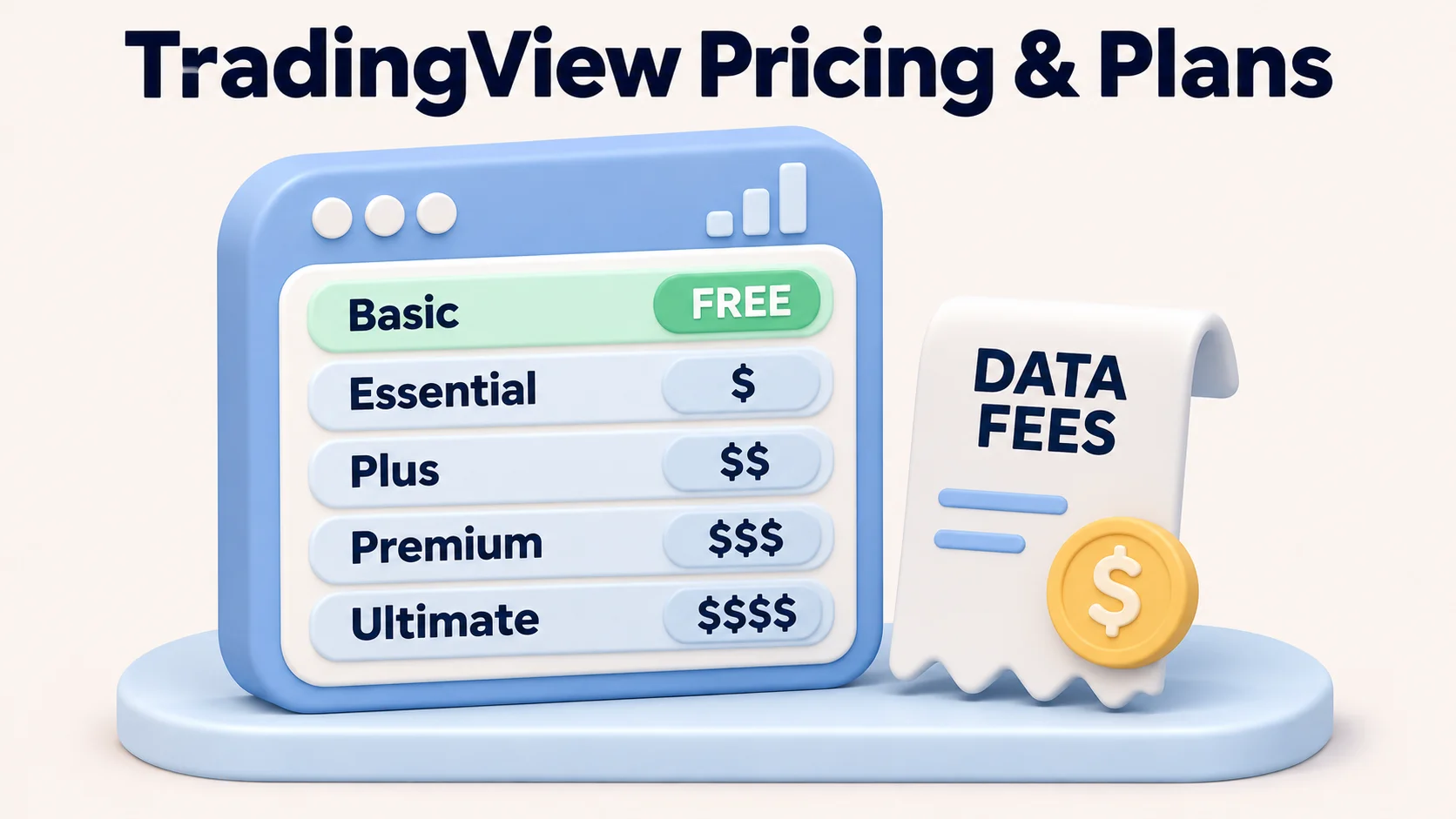
TradingView has a free Basic plan and four paid plans: Essential, Plus, Premium and Ultimate. For a US reader, the important difference is not only the subscription price. Chart and alert limits, exchange-data licences, billing terms and any separate brokerage charges determine what the service actually costs. A TradingView subscription buys charting features; it is not a funded trading account and does not itself grant access to a financial product.
As checked on 13 November 2026, TradingView publicly displayed annual-billed monthly equivalents of $12.95 for Essential, $29.95 for Plus, $59.95 for Premium and $199.95 for Ultimate, before applicable taxes and optional market data. The annual equivalent is not a pay-as-you-go monthly charge. The official pricing and feature comparison is the appropriate reference for the price and plan you can buy today.
TradingView pricing plans compared: US-dollar cost and features
This table gives the published annual-billing prices and key limits for non-professional use. Monthly-billed prices are calculated from the annual price and the annual savings shown on TradingView’s pricing page; they are indicative, not individually verified checkout offers. The final rate may differ because of promotions, taxes, region, app-store billing or later changes.
| Plan | Monthly-billed indication* | Annual-billed rate per month | Upfront annual price | Charts per tab | Indicators per chart | Price alerts | Historical bars |
|---|---|---|---|---|---|---|---|
| Basic (free) | $0 | $0 | $0 | 1 | 2 | 3 | 5,000 |
| Essential | $14.95 | $12.95 | $155.40 | 2 | 5 | 20 | 10,000 |
| Plus | $34.95 | $29.95 | $359.40 | 4 | 10 | 100 | 10,000 |
| Premium | $69.95 | $59.95 | $719.40 | 8 | 25 | 400 | 20,000 |
| Ultimate | $239.95 | $199.95 | $2,399.40 | 16 | 50 | 1,000 | 40,000 |
*The monthly-billed indications are inferred from TradingView’s displayed annual-equivalent rate and stated annual saving ($24, $60, $120 or $480). For example, ($12.95 × 12 + $24) ÷ 12 = $14.95. Confirm the actual monthly option at checkout. An annual subscription is charged upfront; $29.95 “per month billed annually” means $359.40 at purchase, not twelve $29.95 payments.
Basic: free charting for one-screen research
Basic is a sensible starting point for someone learning charts, following a small watchlist or deciding whether the platform fits. One chart per tab, two indicators per chart and three price alerts are restrictive for traders monitoring several setups. It is free to use without a card according to TradingView’s pricing page; it is not a promise of free exchange data or broker execution.
Essential: basic paid charts without a large alert requirement
Essential increases chart space to two charts per tab, five indicators per chart and 20 price alerts. It suits someone who wants fewer interface restrictions and paid-plan charting without a large alert workflow. If you regularly reach 20 alerts or need four simultaneous charts, paying for Essential and then quickly upgrading may be less useful than comparing Plus from the start.
Plus: more charts and alerts for regular monitoring
Plus allows four charts per tab, ten indicators per chart and 100 price alerts. It is the clearest step up for a trader monitoring multiple currency pairs and technical triggers throughout a session. Plus does not improve the prices at which a connected broker fills an order, and its market-data allowances are not the same as free exchange licences.
Premium: useful when alert or history limits become restrictive
Premium offers eight charts per tab, 25 indicators, 400 price alerts and up to 20,000 historical bars per chart. It can be worth considering when a documented workflow requires many alerts, more simultaneous charts or deeper replay data. It is less compelling if a casual trader uses only one or two charts: extra capacity alone does not improve a trading strategy.
Ultimate: for unusually demanding work and eligible professional subscribers
Ultimate lists 16 charts per tab, 50 indicators, 1,000 price alerts and 40,000 historical bars. It is expensive for ordinary forex chart reading. TradingView’s pricing page says Ultimate is the only plan available to professional users, and professional market-data licences can have different fees. A trader should not assume a retail data price applies after being classified as a professional subscriber.
Alerts, history and chart features: what actually changes?
A plan is best evaluated against the limit that interrupts your work, rather than the length of its feature list. Two readers using the same EUR/USD chart may need very different subscriptions.
| Workflow | Relevant plan limit | Practical conclusion |
|---|---|---|
| One chart with two studies | Basic: one chart, two indicators | Try Basic before paying. |
| Monitor several FX pairs side by side | Essential: 2 charts; Plus: 4; Premium: 8 | Pay for a larger tier only if the extra simultaneous charts matter. |
| Set repeated price triggers | Essential: 20; Plus: 100; Premium: 400 | Count actual active alerts needed and compare the plan’s price-alert cap. |
| Study longer chart histories | Essential/Plus: 10K bars; Premium: 20K; Ultimate: 40K | Check the symbol and timeframe; bar count is not a guarantee of deep tick-level data. |
| Professional market data | Ultimate is the listed professional-user plan | Subscriber classification and exchange permissions may change the total bill. |
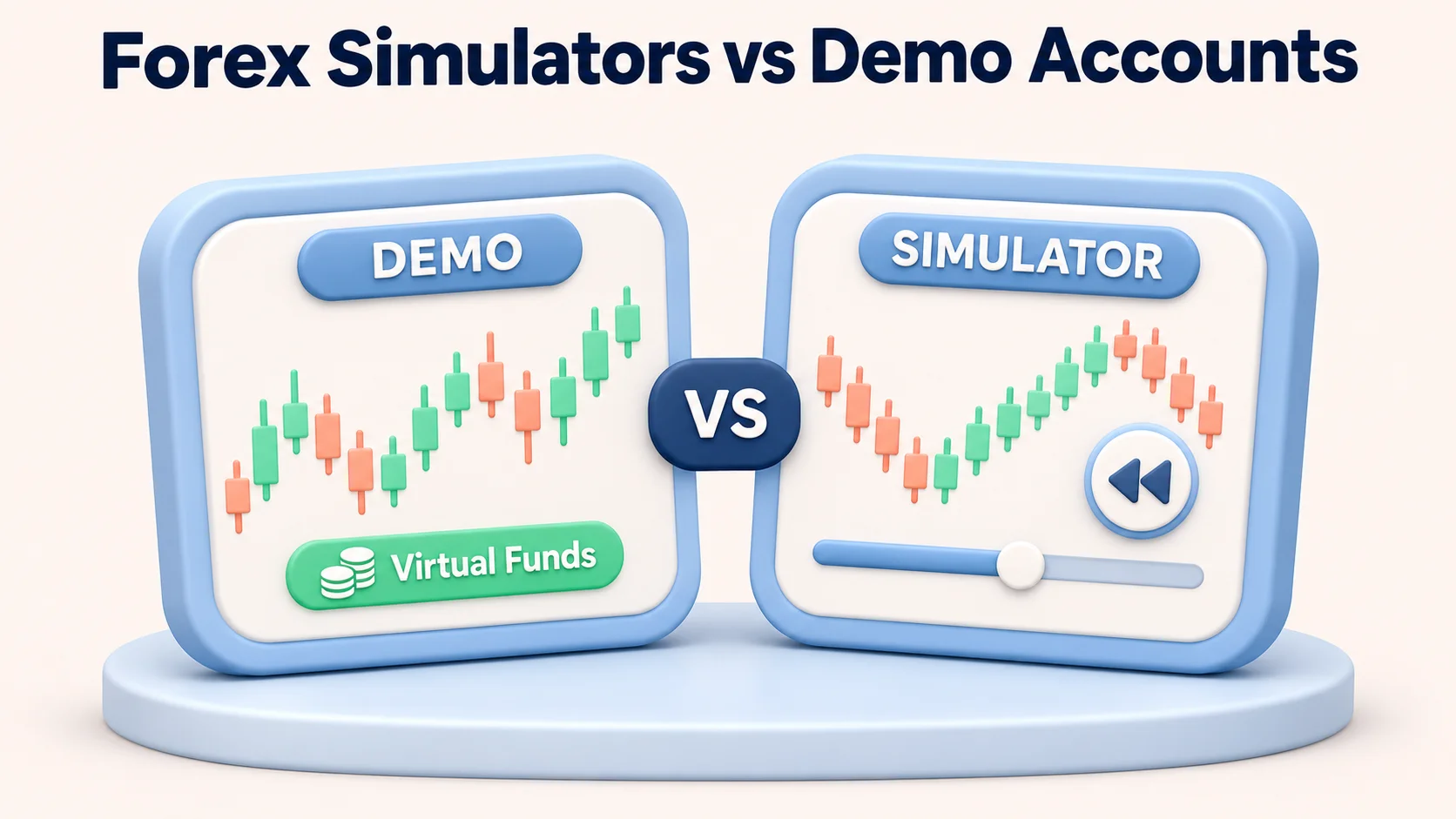
A plan’s historical-bar ceiling is also different from access to a specific historical exchange feed. Replay availability may depend on interval and symbol. Backtests, paper orders and real orders have different fill assumptions. For a practical comparison of simulation tools, see our forex simulators and demo accounts guide.
Extra costs: real-time exchange data is often separate
A paid TradingView plan does not automatically include every real-time exchange feed. TradingView’s market-data guidance distinguishes chart subscriptions from per-exchange data licences. Many cryptocurrency feeds are real-time without an additional exchange fee; US exchange-direct stock or futures quotes may require a separate subscription. Some US stock charts otherwise use Cboe data rather than the primary listing venue, so “real time” and “direct exchange feed” should not be treated as synonyms.
On TradingView’s public non-professional market-data table checked 13 November 2026, examples include NASDAQ direct real-time data at $3 per month, the US Stock Markets bundle at $9.95 per month, and CME Group futures at $7 per month. These are dated displayed examples, not quotes for every user or proof that a forex chart needs those products. Eligibility, professional status, exchange rules and the final checkout may alter availability and fees.
Worked example: Plus with an optional US stock-market data bundle
| Line item | Illustrative amount | How to interpret it |
|---|---|---|
| Plus plan, annual billing | $359.40 at signup | $29.95/month equivalent for twelve months; not monthly instalments |
| US Stock Markets data bundle | $9.95/month | Separate example non-professional market-data subscription |
| If maintained for 12 months | $119.40 for data | 12 × $9.95; assumes price and eligibility do not change |
| Illustrative first-year combined total | $478.80 before tax | Annual platform charge plus 12 data payments; no broker fees included |
This is arithmetic, not an observed invoice. A user who does not need that data bundle would not incur its cost. A user paying monthly for Plus or needing other exchange feeds could pay more. Some supported brokers permit verified access to already purchased exchange data in TradingView; eligibility, exchange and reconnection rules are broker-specific. TradingView documents this process in its broker-data verification guidance.
Broker spreads, commissions and subscriptions are different costs
TradingView supplies charts and an interface; a connected broker, where available, executes and carries orders under its own account rules. Broker spreads, commissions, overnight financing, conversion charges, margin and slippage do not disappear because the trader pays for Plus or Premium. A US resident must also check which products the actual US broker entity permits; foreign CFD account availability cannot be assumed to apply.
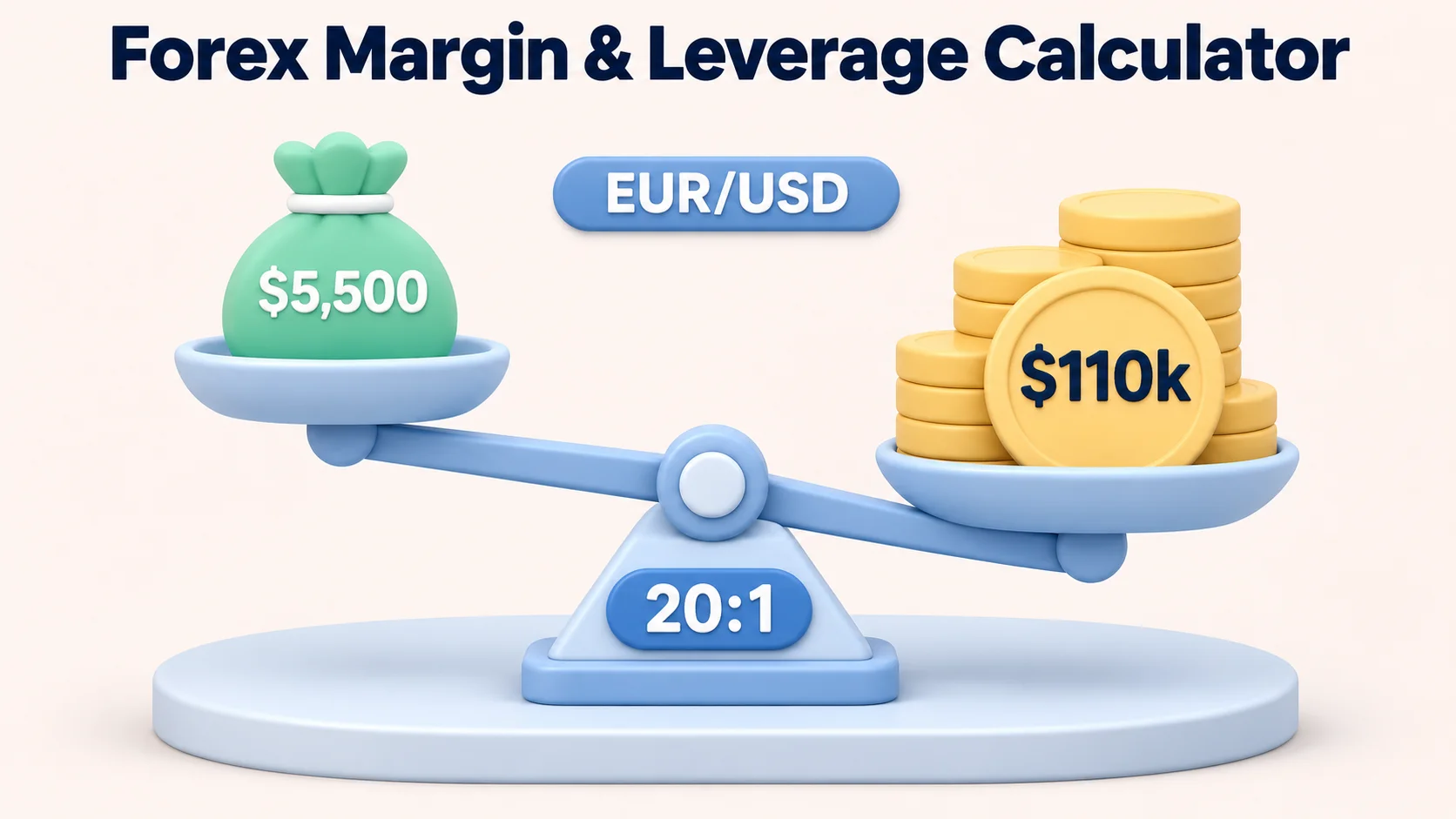
For example, paying $29.95 per month as an annual-equivalent platform cost does not change a hypothetical EUR/USD trade costing $9 in spread and $5 in commission: that trade still incurs $14 of assumed brokerage costs, plus the separately paid chart subscription. Such figures are illustrative, not a broker quotation or measured fill. The FXRanking TradingView broker integration guide discusses broker connectivity and trading costs for the UK; its broker availability and regulatory conclusions must not be applied unchanged to US accounts.
Free trials, annual billing, cancellation and refunds
TradingView currently advertises trials for selected paid plans, with 30 days displayed for Essential, Plus and Premium and 14 days for Ultimate. Trial eligibility and the term shown at checkout take priority over a general promotional statement. TradingView’s Terms of Use say a trial can automatically convert into the selected recurring paid subscription unless cancelled before it ends. Cancelling a paid subscription generally prevents the next renewal but does not automatically refund unused time.
Refund terms need extra care. At the time of this review, TradingView’s public pricing FAQ says monthly subscriptions are not refundable, while Section 13 of the Terms of Use describes a more qualified 14-day, once-per-account refund route for annual and monthly subscriptions. These published statements are not identical. Do not treat a cancellation as a guaranteed refund; check the terms presented for the specific purchase and payment channel. App Store and Google Play subscriptions can follow their own billing and refund processes.
- Compare annual upfront cost with twelve monthly payments, not just the smaller headline “per month” number.
- Check the trial end date and auto-renewal choice before entering a payment method.
- Confirm professional or non-professional exchange-data classification, especially for direct US equities or futures feeds.
- Review any separate broker pricing and account eligibility before treating an alert or connected order ticket as an executable US trading route.
Which TradingView plan offers the best value?
There is no universal best tier. Basic is the strongest value for someone still learning because it has no platform subscription charge. Essential is reasonable for a user constrained by its smaller free-chart limits. Plus makes most sense when four charts or roughly 100 price alerts are part of an actual daily routine. Premium is justified by a need for substantially more alerts or historical bars, not by an expectation of higher trading returns. Ultimate is difficult to justify for occasional currency charting unless its high limits or professional subscription eligibility are genuinely needed.
Before upgrading, make a list of the chart count, indicators, concurrent alerts, interval, symbol history and exchange data you actually use. If Basic already covers those needs, upgrading adds a bill without fixing a problem. If the required data is a separately licensed exchange feed, changing chart tier alone might not solve it.
Risk warning: Leveraged forex trading involves significant risk of loss, including slippage and sudden price movements. Paying for charting or alerts does not reduce market risk or guarantee an order will fill at the displayed price.
FAQs
Is TradingView free?
Yes. TradingView lists a free Basic plan with one chart per tab, two indicators per chart and three price alerts. Optional exchange data, broker charges and higher charting features are separate.
How much is TradingView per month in the US?
The public annual-billed equivalents checked on 13 November 2026 were $12.95 for Essential, $29.95 for Plus, $59.95 for Premium and $199.95 for Ultimate, before tax and extras. Annual billing requires the full annual charge upfront. Monthly billing costs more; confirm checkout terms.
What is the difference between Essential and Plus?
Essential lists two charts per tab, five indicators per chart and 20 price alerts; Plus lists four charts, ten indicators and 100 price alerts. Plus is useful if you actually need the additional capacity.
Is TradingView Premium worth paying for?
Premium can be useful if you require its eight charts per tab, 25 indicators, 400 price alerts or 20,000 historical bars. It is less useful if the free or Plus limits already cover your routine. A subscription is not a trading-performance advantage.
Does a paid TradingView plan include live NASDAQ, NYSE or CME data?
Not automatically. Direct exchange real-time feeds can be sold as separate market-data subscriptions and professional users can face different terms. Check the specific exchange, product and subscriber status.
Does TradingView have a 30-day free trial?
TradingView publicly advertises 30-day trial options for Essential, Plus and Premium and a shorter 14-day option for Ultimate. Eligibility and offer duration are subject to the current signup flow. Trials can turn into recurring paid subscriptions unless cancelled.
Can I get TradingView Premium free forever?
There is no verified lifetime-free Premium entitlement in TradingView’s published pricing schedule. Basic is the genuine free tier; avoid unauthorized offers of paid software or account access.
Can I cancel TradingView and receive a refund?
You can cancel recurring renewal through the applicable billing channel, but cancellation is not a guaranteed refund. TradingView’s pricing FAQ and Terms of Use contain different wording for monthly refunds; review the purchase-specific terms and request support guidance where needed.
Does TradingView replace a forex broker?
No. TradingView provides charting and may connect to supported brokers. The broker’s legal entity, product eligibility, spreads, commissions, financing and order-execution terms remain separate.

Chad Powell
Chad Powell has spent more than five years trading Forex and cryptocurrency, building a practical understanding of how markets move and the challenges traders face. He writes about technical analysis, risk management, trading discipline, broker platforms, crypto security, and fraud prevention.