MT4 or MT5? MetaTrader 4 (MT4) is still useful when a trader depends on an established MQL4 Expert Advisor, indicator or familiar forex workflow. MetaTrader 5 (MT5) generally offers the broader built-in toolkit: more chart timeframes, extra pending order types, market-depth features and a more capable multi-asset strategy tester. That does not make MT5 automatically cheaper, faster at executing a live trade or available through every broker.
Both are trading platforms, not brokers. MetaQuotes develops the software; a regulated firm must provide the actual account, tradable instruments, order execution and pricing. This distinction matters particularly in the United States, where an international broker's MT5 or CFD offer cannot be assumed to be available to a US retail forex customer. The comparison below separates software capabilities from broker-specific and country-specific terms.
MT4 vs MT5: key differences at a glance
| What matters | MetaTrader 4 | MetaTrader 5 | Practical implication |
|---|---|---|---|
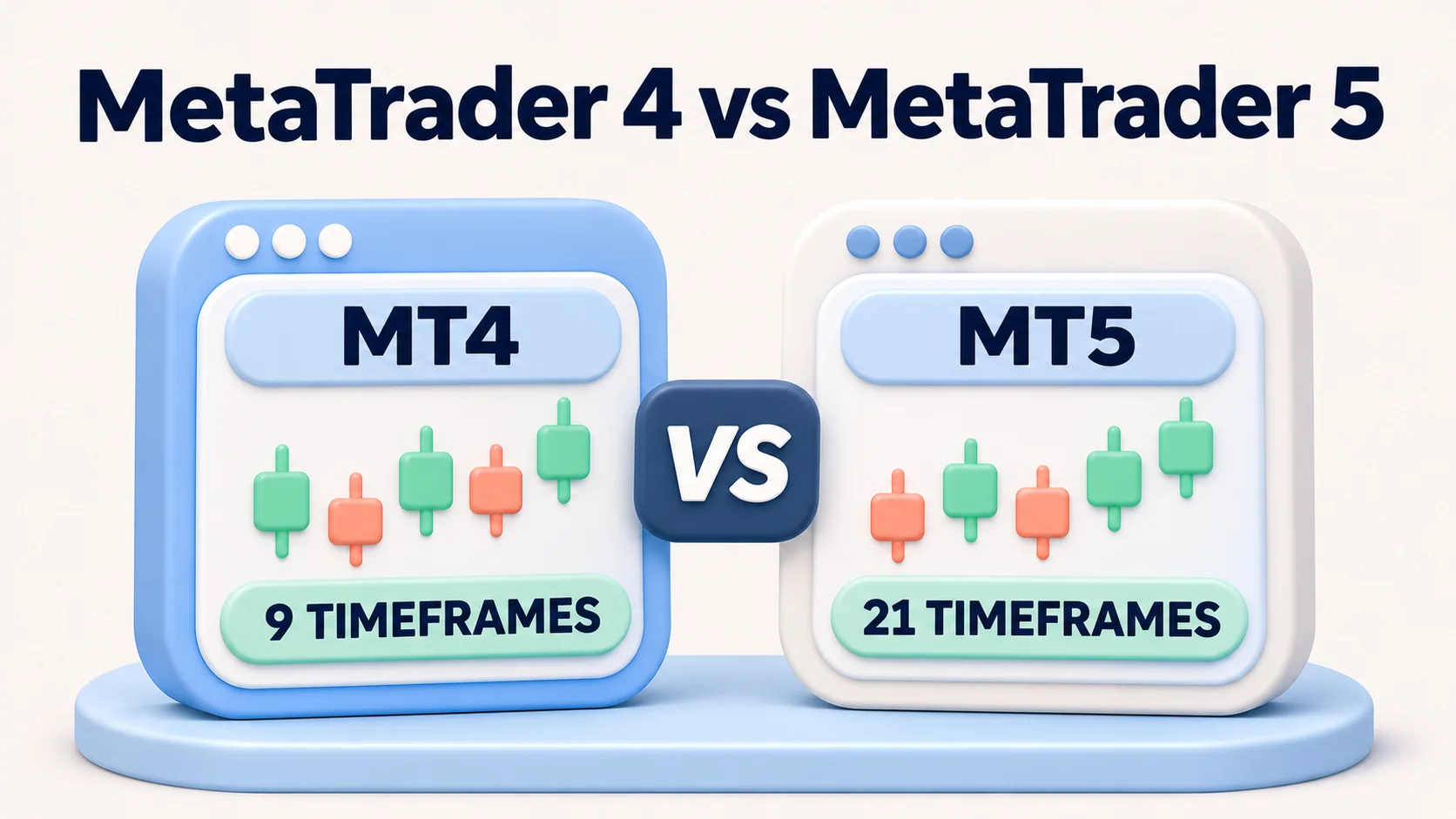
| Standard chart timeframes | 9 | 21 | MT5 adds intermediate periods for more granular chart analysis. |
| Built-in technical indicators | 30 | 38 | Both support custom indicators, so installed libraries may differ. |
| Standard graphical objects | 31 | 44 | MT5 gives more built-in drawing and annotation choices. |
| Standard pending order types | 4 | 6 | MT5 adds buy stop-limit and sell stop-limit instructions; a broker can restrict supported orders. |
| Expert Advisor programming | MQL4 | MQL5 | Existing MT4 robot code and compiled files are not plug-and-play MT5 tools. |
| Strategy testing | Single-threaded tester | Multi-threaded, multi-currency tester with real-tick modes | MT5 offers more options for complex tests, but better tools do not ensure a profitable strategy. |
| Position accounting | Hedging-style separate positions | Netting or hedging, depending on account setup | Check the actual account and local rules; not every MT5 account supports both. |
| Market support in the software | Primarily forex-oriented | Designed for forex and exchange-traded markets, including stocks and futures | Available symbols depend on the broker, legal entity and account, not the software's full capacity. |
| Built-in economic calendar | Not in the standard platform | Available | MT4 users may rely on separate calendars or broker add-ons. |
These are standard platform specifications, not promises about any particular broker's web terminal, add-ons, liquidity or trade permissions. Figures and core functionality are drawn from the developer's MT4–MT5 feature comparison. Some broker-branded builds include additional tools.
Which markets can you actually trade?
MT4 was built around retail forex trading, although brokers also use it for other products such as CFDs outside the United States. MT5 was designed to handle more asset classes and exchange-style trading. The important qualification is that platform capability is not market access. Installing MT5 does not give you a stock exchange account, a futures approval or a particular CFD product.
For example, a provider might offer only currency pairs on an MT5 retail forex account, while another provider or division supplies stock CFDs, listed futures or other instruments. A CFD on a share is not the same product as owning the share. The precise contract, trading hours, margin requirements, protections and permitted countries determine what is available.
Before choosing, request the instrument or symbol list for the exact legal entity and account. Compare contract sizes, minimum order size, margin, dealing hours and whether a symbol exists on both MT4 and MT5. A brochure covering a global group cannot answer the question for your local account.
Orders, execution and hedging: what changes?
Pending orders and stop-limit orders
MT4's four standard pending order instructions are buy limit, sell limit, buy stop and sell stop. MT5 adds buy stop-limit and sell stop-limit, which trigger the placement of a limit order when a chosen stop level is reached. A stop-limit gives control over the limit price but does not guarantee a fill; the market may move through that price without an execution. A conventional stop order can also execute at a different price when liquidity or volatility changes. Stop-loss and take-profit instructions are separate risk-management functions, not additional entries in the four-versus-six count. See MetaQuotes' order documentation.
Netting and hedging accounts are not interchangeable
MT4 normally keeps separate position tickets. MT5 can use either a netting system, which combines exposure in one position per symbol, or a hedging system, which records separate positions. The MT5 documentation explains that the broker sets the accounting mode at account level. In a netting account, a trade in the opposite direction can reduce, close or reverse the existing position; it does not create an independent opposite trade.
This distinction affects partial closes, stop management and automated systems. A US retail forex account may also have legal and dealer rules that differ from an offshore hedging account. Do not assume that a software feature overrides those rules. Confirm the dealing model, trade-management options and jurisdiction before migrating a strategy.
Market depth is data-dependent
MT5 provides Depth of Market and, for supported exchange feeds, time-and-sales features. But a market-depth window is only as informative as the prices and volumes supplied by the broker or exchange. It does not automatically display the whole market or prove a better execution. Compare the broker's actual feed, order handling and disclosures rather than judging execution speed from the platform name alone.
Charting, indicators and research tools
Both terminals offer multiple charts, technical indicators, custom scripts and technical analysis. MT5's 21 standard timeframes versus MT4's nine can matter if a trader wants views such as two-hour, six-hour or intermediate minute charts without custom workarounds. MT5 also has more built-in indicators and drawing objects, and an integrated economic calendar.
That difference is less valuable to a trader whose existing MT4 templates and custom indicators already serve the purpose. It is also important to distinguish the full desktop terminal from browser and mobile interfaces. For instance, FOREX.com's US MT5 page separates its desktop Expert Advisor environment from its web and mobile experiences. Confirm precisely which device supports custom EAs, chart extensions, trailing stops and alerts before assuming identical functionality.
Expert Advisors: can an MT4 strategy run on MT5?
Not directly. MT4 Expert Advisors and custom indicators use MQL4, while MT5 applications use MQL5 and different trading interfaces. The platform environments have common concepts, but a compiled MT4 EA cannot simply be loaded into MT5 as if it were the same program. Migrating custom source code can require rebuilding order handling, position accounting, indicator calls and risk controls.
A trader with a licensed third-party EA should first ask its developer whether an MT5 version exists, whether the license covers it and whether results have been tested for the intended account mode. Rewriting a strategy can alter its behavior even when entry rules look similar. MetaQuotes documents the distinct MQL4 environment and MQL5 environment.
Backtesting: what MT5 improves, and what it cannot prove
MT4 includes an historical-data Strategy Tester with optimization and visual review. MT5 supports multiple symbols, multi-threaded computation and real-tick testing modes; it also offers broader optimization tools. Those improvements matter for strategies sensitive to sequence, symbols and historical data quality. Review the developer's MT4 tester and MT5 tester descriptions.
Neither historical simulation reproduces every live condition. Data gaps, modeled spreads, commission settings, order latency, variable liquidity, slippage and overfitting can distort results. A sensible process tests out-of-sample periods, varies assumptions and uses a broker-specific demo environment before any small live exposure. Even strong backtests are not evidence of future profit.
US availability: the broker and legal entity come before the platform
US readers should make the availability check before making platform comparisons. Three provider examples show why the same software label is not a universal offer:
- OANDA's US offering: its US help entry says its offerings cannot yet be traded on MT5 and directs customers to MT4 or OANDA's own platforms. Separately, OANDA Global Markets lists MT5 for its own division. That international product listing does not establish US eligibility.
- FOREX.com US: its US platform page describes an MT5 account and demo option. Eligibility, forex instruments, account pricing and acceptance still depend on the current contract and account opening.
- tastyfx: its US-facing MT5 page describes a MetaTrader 5 account choice. Check the entity shown in the account agreement, US residence and state restrictions, product access and current pricing rather than relying on marketing features alone.
These are examples of different platform offerings, not rankings, approvals or claims that every prospective customer will qualify. The CFTC recommends checking the registration and background of the exact firm in NFA BASIC. Ask for the dealer's full legal name and registration, then verify the product and agreement. FXRanking also maintains a general MT5 broker guide; its international entries and leverage figures should not be treated as a US-eligible broker shortlist.
Is MT4 or MT5 cheaper?
Neither platform label sets a universal spread or commission. The broker's account and instrument determine bid–ask spread, any per-side commission, overnight financing or swap charges, conversion fees and other terms. Desktop software access can be supplied without a separate platform subscription, while paid EAs, virtual hosting, upgraded data feeds or broker extras may cost more. Compare the actual applicable fee schedule for the same currency pair and position size.
Illustrative cost comparison, not a live broker quote: on a hypothetical EUR/USD trade for which one standard lot has an approximately $10 value per pip, a spread-only account charging 0.8 pip has an initial spread cost of about $8. A different account with a 0.2-pip spread plus a $3 commission on entry and $3 on exit has about $2 of spread cost plus $6 of commission, also $8. These assumptions exclude any overnight financing, slippage, market changes and conversion costs. In both cases the important variable is the account pricing, not whether the order comes from MT4 or MT5.
Execution quality also depends on the broker's liquidity arrangements, order rules, market conditions and platform connection. Avoid claims that MT5 automatically fills orders faster or earns more because it has a newer architecture. Check the broker's execution policy and any independent evidence available for the specific account.
Who should use MT4, and who should use MT5?
- Choose MT4 when: a compatible, maintained MQL4 EA or indicator is essential; its functionality already meets your forex workflow; and an eligible broker still supports the intended MT4 account.
- Choose MT5 when: you are starting fresh with automation, want its advanced testing, need additional chart periods or stop-limit order types, or a broker offers the particular markets you need only through MT5.
- Do not choose either yet when: the desired account, symbol, legal entity, fees or country eligibility are unclear. Resolve those questions before considering tools and layouts.
How to compare your actual broker accounts
- Identify the contracting firm and country. Read the account agreement and, in the US, check the applicable firm's registration history through the CFTC/NFA route.
- Compare symbols and contract specifications. Request the available instruments, position sizes, trading hours, margin and order-type limits for each platform account.
- Calculate full trade costs. Use the same pair, trade size, spread assumption, commission schedule and holding period; include swaps and currency conversion where relevant.
- Check your real workflow. Confirm desktop versus web/mobile functions, EA compatibility, account hedging/netting mode and the broker's data-feed coverage. If you use automated tools, revalidate them in a supported demo environment before considering live trading.
For concrete but jurisdiction-specific interfaces, see FXRanking's OANDA platform guide and XM platform guide. The latter discusses international offerings; it does not establish XM access for US retail clients. The MT4 broker guide is likewise general, not a substitute for local entity verification.
Risk warning: Leveraged forex and derivative trading can result in substantial losses. Stop orders may be filled at unfavorable prices, stop-limit orders may not fill, and backtested profits do not guarantee future results. Check product eligibility, margin terms and risk disclosures of the exact legal entity before trading.
FAQs
What is the biggest difference between MT4 and MT5?
MT5 has more built-in timeframes and indicators, six rather than four standard pending order types, and a multi-threaded, multi-currency strategy tester. MT4 remains useful for established MQL4 tools. Broker and account terms determine what you can actually trade.
Is MetaTrader 4 or MetaTrader 5 a broker?
Neither. MetaQuotes develops the platforms, while the brokerage firm provides the account, prices, execution, products and applicable legal terms. Check the exact firm and jurisdiction before opening an account.
Can MT4 Expert Advisors run on MT5?
Not directly. MT4 uses MQL4 and MT5 uses MQL5, so an MT4 EA may need a separate MT5 version or substantial redevelopment and testing. Ask the developer about compatibility and licensing.
Does MT5 always offer more markets than MT4?
No. MT5 can support a wider range of markets, but only the instruments enabled by your broker, account and jurisdiction are available. A platform feature list does not establish access to stocks, futures or CFDs.
Can US traders use MetaTrader 5?
Some US-facing forex providers advertise MT5 accounts, including FOREX.com and tastyfx, while OANDA US says its US offerings are not yet on MT5. Eligibility and products depend on the exact firm, account approval and current rules. Check the applicable provider and NFA BASIC.
Does MT5 support hedging?
The MT5 software supports netting and hedging accounting, but the broker sets the account mode and local rules may limit available trading arrangements. Check your specific account rather than assuming all MT5 users can hold opposite positions.
Is MT5 cheaper or faster than MT4?
Not inherently. Trading costs depend on the broker’s spreads, commissions and financing, while execution depends on liquidity, conditions and dealer rules. MT5 has more advanced testing and platform functions but that does not guarantee lower trading costs or faster fills.
Can you use both MetaTrader platforms?
You can install both software platforms, but trading requires a compatible account and server for each. An MT4 login cannot automatically be used as an MT5 trading account, and automated strategies may need separate versions.

Amy Baily
Amy Baily is a Forex education writer with over nine years of experience in trading and market analysis. She focuses on risk management, trading psychology, and the importance of maintaining a disciplined approach to the markets.