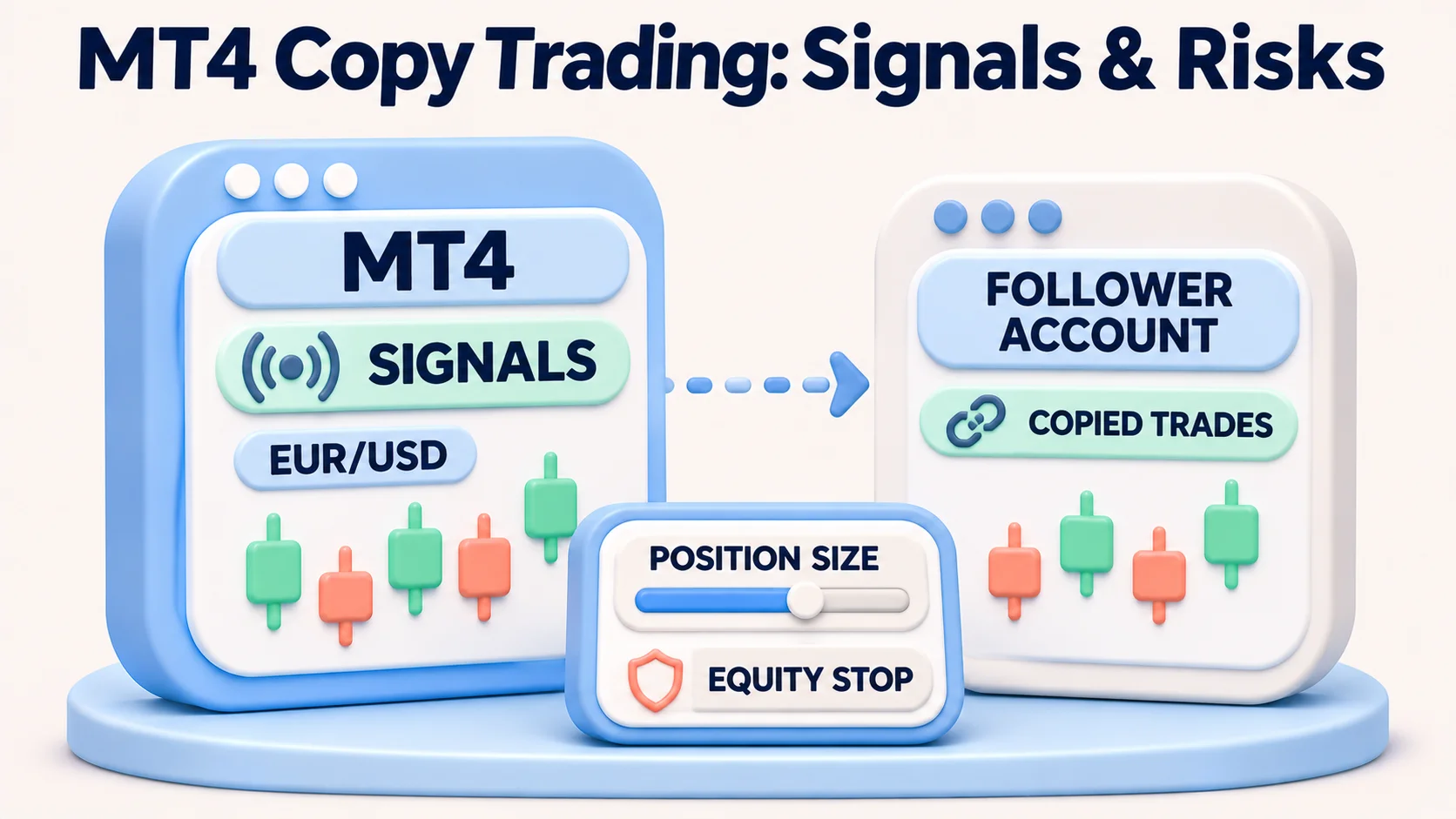
MT4 copy trading lets a MetaTrader 4 account follow trades from another account, but the mechanism matters. MetaTrader's built-in Signals service subscribes to a provider through MQL5.community. A third-party trade copier instead runs software that reads trades in one account and sends corresponding orders to another. Neither method guarantees identical trades or profitable results.
For US retail forex traders, there is a separate eligibility question. A US broker offering MT4 does not automatically permit paid signals, remote account management or external copying software. Before paying a provider, connecting an account or enabling automatic execution, obtain confirmation from the specific US forex dealer about the account, product, provider arrangement and permitted order behaviour. This guide explains the setup in principle; it does not identify a US broker/provider combination verified for live copy trading.
Risk warning: Copied forex positions are real positions in the subscriber's account. Leverage, price differences, margin requirements, disconnections, signal errors and strategy losses can cause rapid losses. Historical growth charts and stop settings do not guarantee future results or exit prices.
MT4 copy trading: built-in Signals versus an external copier
These methods are often marketed under the same search term, but they solve different problems.
| Question | MetaTrader 4 Signals | Third-party MT4 trade copier |
|---|---|---|
| Where do copied trades originate? | A provider listed through the MQL5 Signals service | A source MT4/MT5 account selected or controlled under the copier's terms |
| How is it connected? | MT4 desktop terminal, an MQL5.community login and a signal subscription linked to the trading account | Sender/receiver software or another vendor's connection method; permissions depend on the product |
| Can a trader follow several sources? | MQL5's terms limit one active Signal subscription per trading account | Some tools support multiple senders or receivers, subject to their design and broker rules |
| What runs continuously? | Subscribed MT4 terminal or appropriately configured MetaTrader virtual hosting | Whatever terminal instances, EAs, server or cloud connector the copier requires |
| What is paid for? | A provider-specific subscription, if charged, plus normal trading and optional hosting costs | Software/licence or service charges, possible hosting, and normal trading costs |
| Does this confirm US account permission? | No | No |
MetaQuotes supplies the platform and signal-transmission technology, not the brokerage account and not an assurance that a signal is suitable. An EA (Expert Advisor) is another form of automation; installing a trading robot does not itself subscribe an account to a person's Signals feed. For a broader service comparison, see FXRanking's US forex copy-trading platform guide. Its legality discussion covers the related N103 question without requiring a duplicate legal explainer.
Before setup: identify the US broker, account and signal provider
Start with the account's contracting entity, not the broker's international brand or a generic MT4 screenshot. Confirm that the US entity offers the intended forex product, that the account's terms permit the chosen automation or subscription, and that any external provider arrangements are acceptable. The provider's country, possible investment-advice activity and access to account credentials are separate questions from whether MetaTrader software is installed.
For example, FOREX.com US describes an MT4 offering. Its published MT4 page establishes platform availability for an eligible account, not approval of any particular paid MQL5 signal or external trade copier. Its US account comparison also separates MT4 spread-only pricing from RAW arrangements on other supported platforms. Do not apply a foreign FOREX.com copy-trading offer or RAW account price to this US MT4 account without checking the correct account documents.
US retail forex account order handling also matters. NFA Compliance Rule 2-43(b) addresses offsetting positions and first-in, first-out treatment. A strategy developed for offshore hedging accounts, incompatible order sizing or opposing positions may not reproduce correctly on a US forex dealer's system. Ask the broker what happens if a provider opens a hedge, partly closes trades or issues a reversal while another position is open.
Consider the basic MT4 trading tutorial first if order types, margin and lot sizes are unfamiliar. FXRanking's broader MT4 broker list covers international offerings and should not be read as a verified US Signals shortlist. The related US MT5 availability research concerns a different platform: an MT5 account is not interchangeable with an MT4 Signals subscription.
How to subscribe to MetaTrader 4 Signals
The steps below reflect the official MT4 Signal Subscribers documentation. They are an explanation of platform controls, not instructions to bypass a broker or local eligibility restriction. Menu labels and available options can vary with the installed terminal version and account.
1. Prepare the correct account and community login
- Use an up-to-date MT4 desktop client terminal connected to the intended broker and trading server. Verify whether it is a demo or real account and that it is the account you intend to use.
- Register or sign in to your own MQL5.community account. In MT4, locate Tools → Options → Community to associate the community login with the client terminal.
- Before any paid subscription, confirm with the US forex dealer that the chosen Signals service, provider, account type and copying behaviour are permitted. If approval is unclear, leave automatic copying disabled.
MetaQuotes' terms distinguish MT4 and MT5: an MT4 account subscribes to signals in the MT4 section, not MT5 signals. They also restrict a trading account to one Signals subscription at a time. Do not mistake a successful MQL5 login for confirmation that the specific trading account may copy trades.
2. Evaluate a candidate signal without treating statistics as a forecast
Open the terminal's Signals tab (in some MT4 layouts, in the Toolbox/Terminal window), or view providers on MQL5.community. Check the provider's broker server, instruments, leverage, currency, position sizes, time in the market, maximal drawdown, open floating losses and subscription terms. MetaQuotes offers broker-server filtering to identify more compatible signals, but this is a compatibility aid, not a US eligibility certificate.
Compare the provider's symbol list with the subscriber account. Different suffixes, trade-size increments and contract specifications can cause partial copying or rejected orders. A real subscriber account cannot subscribe to a demo-account signal under MT4's documented restrictions. Review the entire trade history rather than selecting a provider solely on its headline percentage return, follower count or a short profitable period. A single highly leveraged strategy can show attractive growth before a large drawdown.
3. Read the subscription cost and synchronization warning
Where the selected provider charges for a subscription, MT4 displays the price and period. MetaQuotes' Signals rules describe upfront subscription payments and restrictions on refunds if a paid subscription is canceled early. Check the current agreement and payment screen before agreeing. A paid subscription is not the same as paying the broker's spread or commission.
Initial synchronization can alter your trading account. If the account already holds unrelated positions or pending orders, the terminal can ask whether to close them before beginning. It can also warn about joining the provider when existing positions are already profitable. Do not agree to immediate synchronization without reading the account-specific order and loss consequences. A blank, designated account is easier to understand than a mixed account containing manually managed positions, but may not be permitted or practical for every user.
4. Inspect all five copying controls before enabling trading
| MT4 setting | What it actually does | Important caution |
|---|---|---|
| Enable realtime signal subscription | Turns signal copying on for that connected account | It can create live orders; do not enable until account and provider permission are settled |
| Copy Stop Loss and Take Profit levels | Attempts to apply the provider's protective/target levels to subscriber orders | Different quotes, slippage and broker rules mean the same stop does not assure the same exit |
| Synchronize positions without confirmations | Allows synchronization without waiting for a manual response | Can accept existing-price differences and may affect non-signal positions; unsuitable as a default for a mixed account |
| Use no more than [A] % | Sets a deposit-allocation input used in MT4's proportional copied-volume calculation | Not a hard maximum-loss percentage. Leverage, broker contract size and price movements still determine exposure |
| Stop if equity is less than [B] | Specifies an account-equity threshold; MT4 describes stopping copying and closing positions when breached | Market gaps, execution slippage and margin liquidation can cause losses beyond the chosen threshold; 0 disables this limit |
| Deviation/Slippage [C] spreads | Sets an acceptable difference between the provider's requested price and follower execution price in spread units | A restrictive value can leave trades missed; a permissive value can accept worse entries and exits |
MT4 calls the stop/limit, synchronisation, allocation, equity and slippage settings separately. Review them as a set. The allocation slider is not a risk-free copy percentage, and an equity stop may close positions at market prices that are worse than expected. The official help also warns against changing the deposit-load percentage while copying positions are open, because it can adjust those positions through closes or reopenings.
5. Keep the terminal connected and inspect actual copied orders
According to MetaQuotes, a subscribed MT4 terminal must stay connected to the trading server to receive and place copied transactions. A powered-off PC, logged-out account or internet fault can interrupt copying. MetaTrader offers virtual hosting, subject to its own rental terms, to keep the environment running. A VPS reduces some continuity risks but does not make copying instant, guarantee trade execution or repair a forbidden provider arrangement.
Use MT4's Trade, Account History, Journal and signal statistics views to monitor whether orders were actually placed, rejected, skipped, resized or reopened. Do not infer identical execution from the provider's public performance chart. When a provider's pending order later triggers, MT4 copies the resulting trade, not the original pending order. Synchronization after a disconnection can add missed positions or reopen a manually closed copied position if the provider still holds it. Those differences can materially change both exposure and costs.
Using an external MT4 trade copier: a different setup
Third-party tools are not the MQL5 Signals marketplace. As a concrete example, FX Blue's Personal Trade Copier manual describes a desktop Expert Advisor on a sender terminal and a separate EA on a receiver terminal. Both MT4/MT5 installations run on the same computer or suitable VPS. The sender watches source trades; the receiver submits corresponding orders to its logged-in broker account.
- Read the vendor's current licence and security documentation before downloading. FX Blue's Personal Trade Copier is licensed for personal use and does not authorize a paid commercial copying service.
- Use separate platform installations for sender and receiver and identify the exact source account, destination account and broker server. The sender can use a read-only investor password, but the receiver needs trading permission to place copied orders.
- Install the vendor's matching sender/receiver components only from a trusted source, and review any requested EA, DLL-import or automated-trading permissions. A tool with account-trading rights can create or close real positions.
- Set the receiving account's sizing mode, symbol mappings, allowed direction, stop/take-profit handling and any symbol exclusions. Do not assume equal lots imply equal monetary risk on accounts with different equity or contract sizes.
- Verify connection and order behaviour using a non-live setup where allowed, then monitor logs and actual receiving trades. Check whether the software needs all terminal instances running continuously on a local PC or an ordinary VPS.
FX Blue describes MT4-to-MT5 compatibility and multiple sender/receiver configurations as software capabilities, not as proof every broker, product, US account or prop-trading agreement permits them. Its user guide also distinguishes an ordinary VPS suitable for multiple terminals from MetaTrader's integrated shared hosting. A different cloud copier may use separate access credentials or charge for accounts, volume or hosting; examine its own documentation rather than assuming FX Blue's instructions apply.
Position sizing: why copied trades are not necessarily proportional
Imagine a provider has $10,000 of equity and places a 0.50-lot trade while the subscriber has $2,000. The follower should not assume that MT4 will always place 0.10 lot. Its signal-volume algorithm considers account values, deposit-load settings, leverage and the broker's permitted order volume. Minimum lot sizes, different currency denominations and symbol contracts can produce a smaller order, a rounded order or a failure to copy. The only reliable record is the subscriber's actual filled order and margin impact.
Margin is especially important when a provider trades at leverage or on products not offered by the subscriber's US forex account. The follower may use more of the available margin than expected, be unable to duplicate a hedge, or receive an order rejection. An equity threshold can reduce some exposure only if it is reached and orders can still be executed; it is not an insurance policy.
What does MT4 copy trading cost?
Calculate the whole account expense, not just the price shown next to a provider's name:
- Signal subscription: Provider-specific periodic charge, if any; confirm billing, renewal and cancellation terms.
- Forex spread and commission: Every copied trade incurs the subscriber account's actual dealing cost. A provider at another broker may get a different spread.
- Financing and conversion: Overnight rollover, account-currency conversion and any applicable charges depend on product and trade duration.
- Copier or hosting: An external tool may have a licence or subscription fee; an always-on VPS can cost extra.
- Execution difference: Slippage and unmatched trades can materially worsen outcomes, even where there is no separately labeled fee.
Illustrative calculation, not a live quote: Suppose a paid signal costs $30 for a month, hosting costs $20 and ten EUR/USD round-trip trades each incur an average 1.2-pip spread on a hypothetical 100,000-EUR position. At roughly $10 per pip for that position size, spread cost alone would be about 10 × 1.2 × $10 = $120, making the combined subscription, hosting and spread total $170. This excludes slippage, swaps, conversion and any commission; actual lot sizes, spreads and trade counts can differ. A smaller account may face very different position sizes, so the example is not a forecast or a recommended trade size.
Five ways an MT4 copier can behave differently from the provider
- Late or missing execution: A network outage, stopped terminal, unavailable symbol or price-tolerance check can mean a trade is copied at a worse price or not copied at all.
- Wrong volume: Account currencies, allowed lot increments, leverage and contract specifications can change the copied size and margin exposure.
- Unexpected synchronization: Initial setup or reconnection may require action on existing positions. Manual closes can be undone by later synchronization if the provider still holds the trade.
- Order-rule conflicts: Hedging, FIFO treatment and different stop/limit mechanics can make a provider's strategy incompatible with a US retail forex account.
- Concentrated or misleading performance: A leader may use leverage, average down losses or hide risk behind short growth windows. Copying delegates entries but not responsibility for losses.
Fraud warnings are relevant too. The CFTC's forex fraud advisory cautions against guaranteed-return pitches and advises independent checks of a firm or individual. A public performance chart, testimonials or a verified MQL5 account does not, by itself, prove a provider is suitably registered, permitted to give advice or able to avoid losses.
How to stop copying without creating a new trading problem
Disabling Enable realtime signal subscription suspends new automatic copying in MT4; it is not the same as canceling a paid subscription or necessarily closing existing positions. Review live exposure separately. MetaQuotes' documentation distinguishes suspension from unsubscribing and warns that a canceled paid subscription may trigger final release of payment rather than a refund. When leaving a copier, also confirm what happens to open positions, stop orders, terminal EAs and any authorization the vendor holds. Never rely on closing a browser tab as a way to flatten a forex position.
Which approach makes sense?
For learning: Use official MT4 documentation and, where permitted, a demo environment to understand signals and synchronization before risking cash. A practice account cannot establish permission for paid real-money copying.
For a trader already controlling multiple accounts: An external personal copier may offer finer routing and sizing, but it adds terminal administration, software permissions and multiple-account rules. It is not automatically appropriate for copying another person's money.
For a US retail forex trader seeking a ready-made leader to follow: Neither MT4 support nor an available MQL5 Signals listing is a sufficient recommendation. Unless the US forex dealer, the relevant provider arrangement and account terms can be verified together, do not switch on real-money copying. Review the existing US copy-trading eligibility comparison for the broader platform and legal distinctions.
Source notes and practical verification
This explanation reflects public MT4 Signals help, MQL5 Signals rules, FX Blue's Personal Trade Copier manual, FOREX.com US MT4 account disclosures and US regulator guidance reviewed in November 2026. Those documents describe product mechanics and general restrictions; they are not evidence that a specific paid signal was executed on a specific US retail account. Before a live subscription, recheck the actual broker's current account rules, product permissions, provider terms, fees and platform messages because these can change.
FAQs
Does MetaTrader 4 have built-in copy trading?
MT4 integrates with the MQL5 Signals service, which can copy a provider’s transactions to a subscriber account. A broker offering MT4 does not automatically approve every Signals subscription.
How do I enable MT4 Signals?
In the desktop terminal, link your MQL5.community account under Tools → Options → Community, review the available Signals and their terms, and inspect the subscriber settings. Only enable realtime copying after confirming the exact account and service are permitted and understanding synchronization risks.
Can I copy MT5 signals to MT4?
Native MQL5 Signals do not support this: an MT4 account subscribes to MT4 signals. A separate third-party copier may advertise MT4-to-MT5 routing, but it has different permissions, software requirements and fees.
Can I copy more than one provider on the same MT4 account?
Native MQL5 Signals restricts one active Signal subscription per trading account. Some third-party copiers can combine several sources, subject to their design, your broker’s policies and the resulting concentration risk.
Can US residents use MT4 copy trading?
MT4 is offered by some US forex dealers, but that does not verify that any particular paid signal, third-party copier, provider arrangement or trading strategy is allowed on a given US account. Obtain confirmation from the exact US dealer and check applicable provider restrictions before live use.
Will my trades match the provider’s positions exactly?
Differences in execution time, spread, slippage, leverage, symbol availability, order sizes and account rules may change or prevent copied trades. Pending orders on the provider account are generally copied only after they trigger into trades under MetaTrader’s native Signals mechanics.
Does setting “Use no more than 20%” limit my losses to 20%?
The percentage is an input to copied-volume calculation, not a maximum-loss guarantee. Leverage, margin, market gaps and execution conditions can lead to larger losses.
Do I need a VPS for MT4 copying?
The subscribed native MT4 terminal must remain connected; virtual hosting may help when a local PC cannot run continuously. Some third-party copiers require multiple desktop terminal instances on an ordinary VPS. Hosting availability and cost vary.
What happens when I unsubscribe or close MT4?
Suspending copying and cancelling a paid signal are different actions, and neither should be assumed to close existing positions. MetaQuotes warns of payment consequences when a paid subscription is cancelled. Check the account’s open positions, protective orders and subscription status separately.

Amy Baily
Amy Baily is a Forex education writer with over nine years of experience in trading and market analysis. She focuses on risk management, trading psychology, and the importance of maintaining a disciplined approach to the markets.